
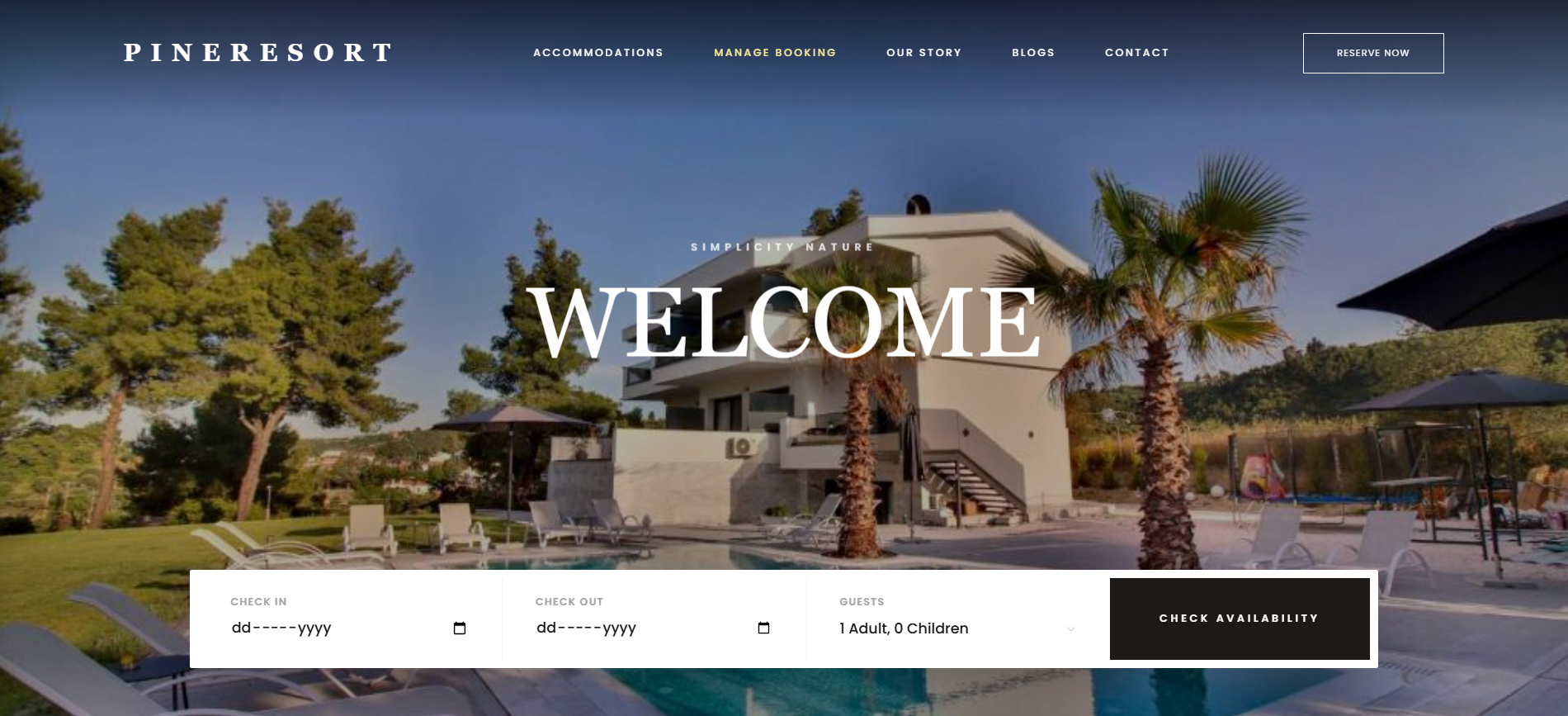
Pineresort Hotel Booking Website
A luxury hotel & resort website with room booking, PDF receipts, guest booking management, blog and a full admin dashboard.
A premium website for home and office cleaning companies: instant price calculator, online booking, M-Pesa deposits that confirm bookings automatically, and an admin to run the whole business.
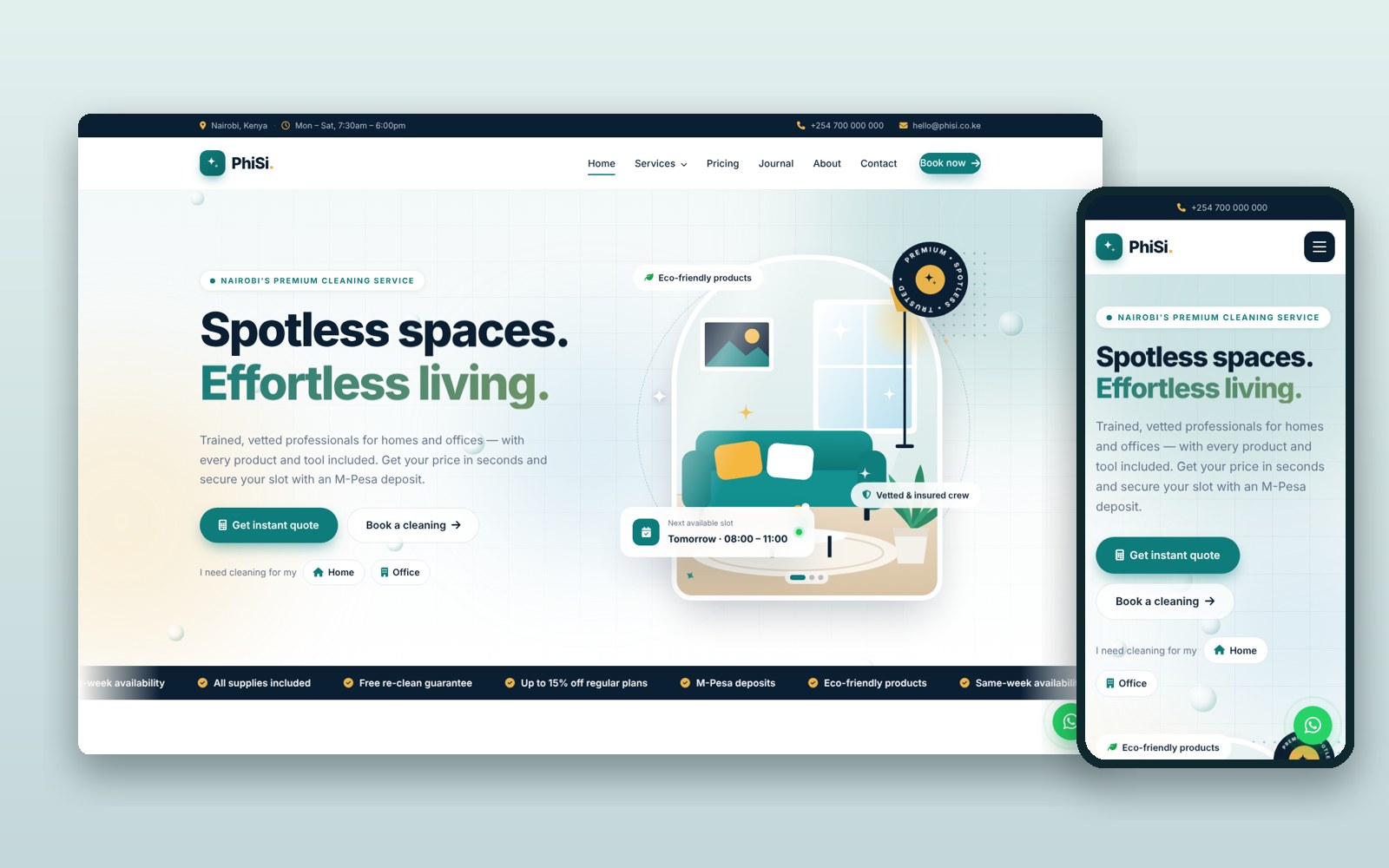
PhiSi is a complete website for cleaning companies, built in plain PHP and MySQL for any cPanel hosting. It turns visitors into paid bookings without phone calls.
Customers pick home or office, choose a service, set the size (rooms, square metres, seats or windows), add extras like inside the fridge or laundry, and pick a one-off or regular plan with automatic discounts. The live calculator shows the exact price as they go. They choose a date, time slot and area, then pay a deposit (30% by default) by M-Pesa. The booking confirms itself the moment the payment arrives, and the balance is paid after the clean.
The admin panel runs the business: a dashboard with pending bookings, this week's jobs, M-Pesa received and booked value this month; bookings with statuses from pending to completed; every M-Pesa payment with receipts; and customer messages. You manage services and prices, add-ons, testimonials, FAQs and a blog with a rich editor.
Everything on the website is editable from the admin, with no code needed: logo, brand colours (the whole site updates), contacts, working hours, social links, every page's text and images, booking rules (deposit, plan discounts, time slots, service areas), M-Pesa keys and SEO titles and descriptions.
It is built to be fast, secure and found on Google: clean web addresses (admin included), a sitemap, structured data, strong security protections, protected forms, limits on repeated attempts, safe image uploads converted to fast WebP, and automatic HTTPS. A premium, animated, fully responsive design and a floating WhatsApp button complete it. An install wizard sets everything up in minutes.
In cPanel File Manager, open public_html, upload the ZIP and extract it. Turn on "Show hidden files" in File Manager settings so every file is visible.
In cPanel → MySQL Databases, create a database and a user, then add the user to the database with ALL PRIVILEGES.
Open yourdomain.com/install in your browser, enter the database details, your business name, phone, email and WhatsApp, and your admin email and password, then click Install.
In File Manager, delete the install folder so no one can run the installer again.
Go to yourdomain.com/admin/login with your admin email and password.
In Settings add your logo, brand colours, contacts, deposit %, time slots and service areas. Edit Services, Add-ons and Website content with your own prices, text and photos.
In cPanel → SSL/TLS Status, click Run AutoSSL so your site opens with https (needed for M-Pesa).
In Settings → M-Pesa enter your Daraja consumer key and secret, shortcode and passkey. Test in Sandbox first, then switch to Live after Safaricom's go-live approval. Until then, set online deposits to Disabled and customers pay later.
Prefer not to do it yourself? We can install it on your hosting and set up your logo and content for you. Ask for installation help · Full setup guide
v1.0.0: Initial release
A luxury hotel & resort website with room booking, PDF receipts, guest booking management, blog and a full admin dashboard.
Tell us what your business needs. We'll map it out and engineer a web application that fits, or start you off with one of our templates.